
You spent an evening recording, two more editing, and the episode is finally live. You post "New episode out now, link in bio", get a handful of likes, and start worrying about next week's guest. The episode had a dozen good moments, and nobody outside your current listeners heard any of them.
If you want to promote a podcast on social media, the announcement post is the smallest part of the job. Each episode already holds a week of posts: the funniest minute, the sharpest opinion, the tip someone will save. This guide shows how to find those moments while you edit, what to make from them, a sample week with captions for each platform, and how to get your guests to share.
What one episode can become
Before you post anything, look at an episode as raw material, not as one link to promote.
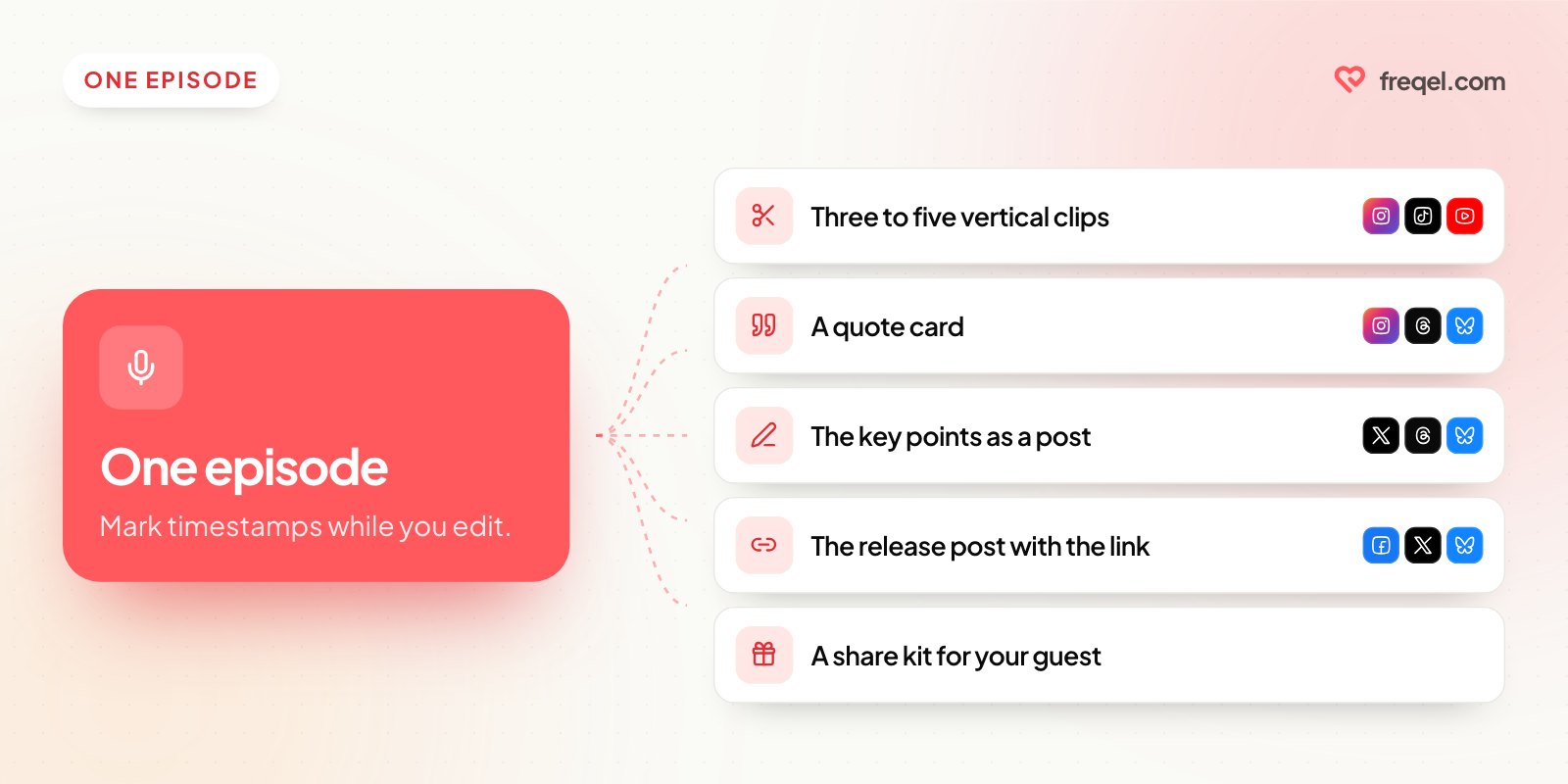
| What you make | Where it goes | Effort |
|---|---|---|
| Three to five vertical clips | Instagram Reels, TikTok, YouTube Shorts, Facebook | Medium |
| A quote card with one line from the episode | Instagram, Threads, Bluesky, Facebook | Low |
| A short post with the episode's key points | X, Threads, Bluesky | Low |
| The release post with the link | Facebook, X, Threads, Bluesky, Instagram Story | Low |
| A behind-the-scenes photo or clip | Instagram Story, Threads | Low |
| A share kit for your guest | Sent to your guest | Low |
Clips find new listeners; text posts remind the ones you have. Short-video feeds like Reels, TikTok and Shorts recommend videos to people who don't follow you yet, so a good clip can reach strangers. Text posts and quote cards keep the episode in front of the people who already follow you.
Find the clips while you edit
The easiest time to pick clips is while you're editing, because you're listening anyway. Keep a note open and write down the timestamp whenever you hear one of these:
- A strong opinion. "Most pricing advice is wrong for small shops" stops a scroll.
- A story with an ending. A setup, a problem and what happened next, told in a minute or so.
- A practical tip someone could use today.
- A surprising answer to a simple question.
- A laugh that doesn't need the previous ten minutes to be funny.
Each clip has to make sense on its own, to someone who's never heard the show. If it needs "as we said earlier", it isn't a clip. Cut straight into the interesting line: no "so, yeah", no intro music, no "welcome back".
Then make the clips easy to watch:
- Crop to vertical (9:16) and keep the speaker's face in the frame.
- Burn captions into the video. Plenty of people scroll with the sound off, and captions let them follow along.
- Put a headline on screen for the first few seconds, like "Why we stopped offering discounts".
- End with where to hear the rest: "Full episode: search [show name] wherever you listen."
Instagram Reels and YouTube Shorts can be up to 3 minutes, but for a podcast clip, shorter is usually better. Keep it to one idea per clip.
No video? You can still make clips
If you record audio only, you have three options:
- Audiograms: your cover art, a moving waveform and captions over a clip of audio. Quick to make, and more watchable than a still image.
- Turn a camera on next time. Even one phone on a tripod pointing at you and your guest gives you clip material for every future episode.
- Lean on text. A quote card or a short post with the episode's best point works on every platform, no video needed.
A week of posts for one episode
Say your show is about running a small business, and this week's guest runs a bakery and talked about raising prices. Here's that episode spread over a week.
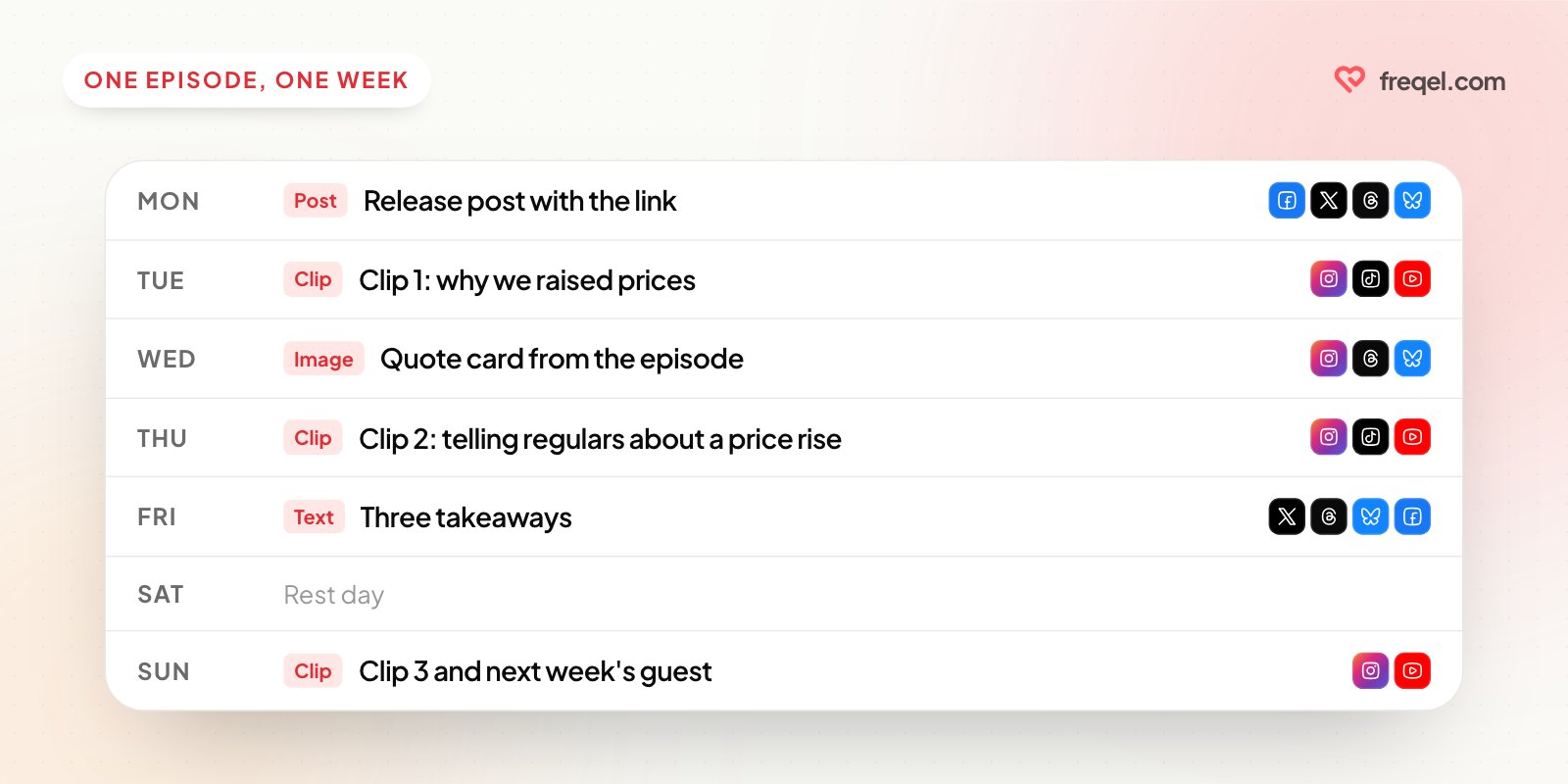
| Day | Post | Where |
|---|---|---|
| Monday | Release post with the link and one line on why to listen | Facebook, X, Threads, Bluesky, Instagram Story |
| Tuesday | Clip 1: "Why we raised prices in January, and who complained" | Reels, TikTok, Shorts |
| Wednesday | Quote card: "Nobody leaves over 50 cents. They leave over bad bread." | Instagram, Threads, Bluesky |
| Thursday | Clip 2: how to tell your regulars about a price rise | Reels, TikTok, Shorts |
| Friday | Text post: three takeaways from the episode | X, Threads, Bluesky, Facebook |
| Sunday | Clip 3, plus a teaser for next week's guest | Reels, Shorts, Instagram Story |
That's six posts from one recording. Next week, the new episode slots into the same pattern, so you never plan from scratch.
Sample posts for each platform
Here's Tuesday's clip and Monday's release post, written for where they go.
Instagram Reel caption
"We raised prices in January. Two people complained. Both still come in every Saturday." 🥐
This week: a neighborhood bakery owner on how to raise prices without losing regulars.
Full episode: link in bio.
X, Threads or Bluesky (release post)
New episode: a bakery owner on raising prices without losing regulars. The part about telling customers in person is worth the listen. [episode link]
Links in posts work on X, Threads and Bluesky, and Bluesky shows a preview card for the link.
YouTube Shorts
Links in Shorts descriptions aren't clickable. If you post full episodes on YouTube, open the Short in YouTube Studio once it's live and set the full episode as its Related video, so viewers get a button to watch it. Make the title about what the clip says: "How to raise prices without losing regulars".
This week on the show: how one bakery raised its prices and kept its regulars. Listen here: [episode link]
Same message, said the way each platform expects. Our guide to writing one post and tweaking it for each platform goes deeper on that, and here are the character limits on every platform.
Get your guests to share
A guest's followers are some of the easiest new listeners you'll find, and most guests are happy to share if you make it effortless. When the episode goes live, send them a short kit:
- Two of the clips, already captioned
- The quote card
- A suggested caption they can copy or change
- The episode link, and your handles to tag
Tag them in your own posts too, and reshare what they post. If a guest is on a platform you aren't, that's fine; their post still points people to the show.
Schedule the week in one sitting
Once the clips are cut, write the week's captions in one go and schedule them, so promotion doesn't eat into next week's recording. Our post on turning one blog post into a week of social content uses the same idea for written content.
A tool like Freqel lets you write each post once, pick your channels, and give each one its own text: the link right in the post on Facebook, X, Threads and Bluesky, "link in bio" on Instagram. For YouTube, the first line of the post becomes the title, and vertical videos up to 3 minutes go out as Shorts. Set regular posting times and use "Add to queue" to fill the week, then add the Related video in YouTube Studio once each Short is live. The same vertical clip works for Reels and Shorts; here's more on cross-posting one vertical video.
Mistakes that waste a good episode
- Posting only on release day. Plenty of your followers won't see that one post. Spread the episode over the week.
- Clips that need context. If a stranger can't follow it, cut a different moment.
- No captions. People scrolling with the sound off skip it.
- Horizontal video on vertical platforms. It shows up small, with empty bars above and below.
- "New episode out now" with no reason to listen. Say what's in it: one line, one promise.
- Never checking which clips worked. Once a month, compare views and new follows on your clips, and make more of what worked. Here are the social media metrics worth tracking.
Wrap-up
To promote a podcast on social media, stop treating each episode as one announcement. Mark timestamps while you edit, cut three to five clips, add a quote card and a text post, send your guest a kit, and schedule the week in one sitting. Do that every episode and your show gets a steady stream of posts without adding a day of work.
Try Freqel
Write once.
Post everywhere.
Schedule one post to Instagram, TikTok, YouTube, X, Threads, Facebook and Bluesky. 7 days free on every plan.