
You've got three people, a shared Google Doc full of captions, and a Slack channel called #social-approvals that nobody checks fast enough. Sound familiar? Social media scheduling for small teams is a real category of problem, and most of the tools built to solve it were priced for companies with a marketing department, not a founder and two freelancers.
The enterprise social tools do the job. They also cost more per month than most small teams spend on their entire software stack. You end up either overpaying for seats you don't need, or duct-taping together free tools that break the moment someone goes on vacation.
Why enterprise pricing doesn't fit small teams
Enterprise social media platforms charge for things small teams don't use. Think approval workflows with five reviewer tiers, custom analytics dashboards, and dedicated account managers. You're paying for infrastructure built for a 40-person marketing org, when your actual team is you, a designer, and a part-time community manager.
Many of these tools also price per seat and per social profile. Add a client, add a platform, and the bill jumps again. For a small team managing five or six accounts across four platforms, that math gets ugly fast. Before you sign anything, add up seats × profiles × months and look at the yearly number.
What small teams actually need from a scheduling tool
Strip away the enterprise features and the real requirements are simple. Here's what actually matters day to day:
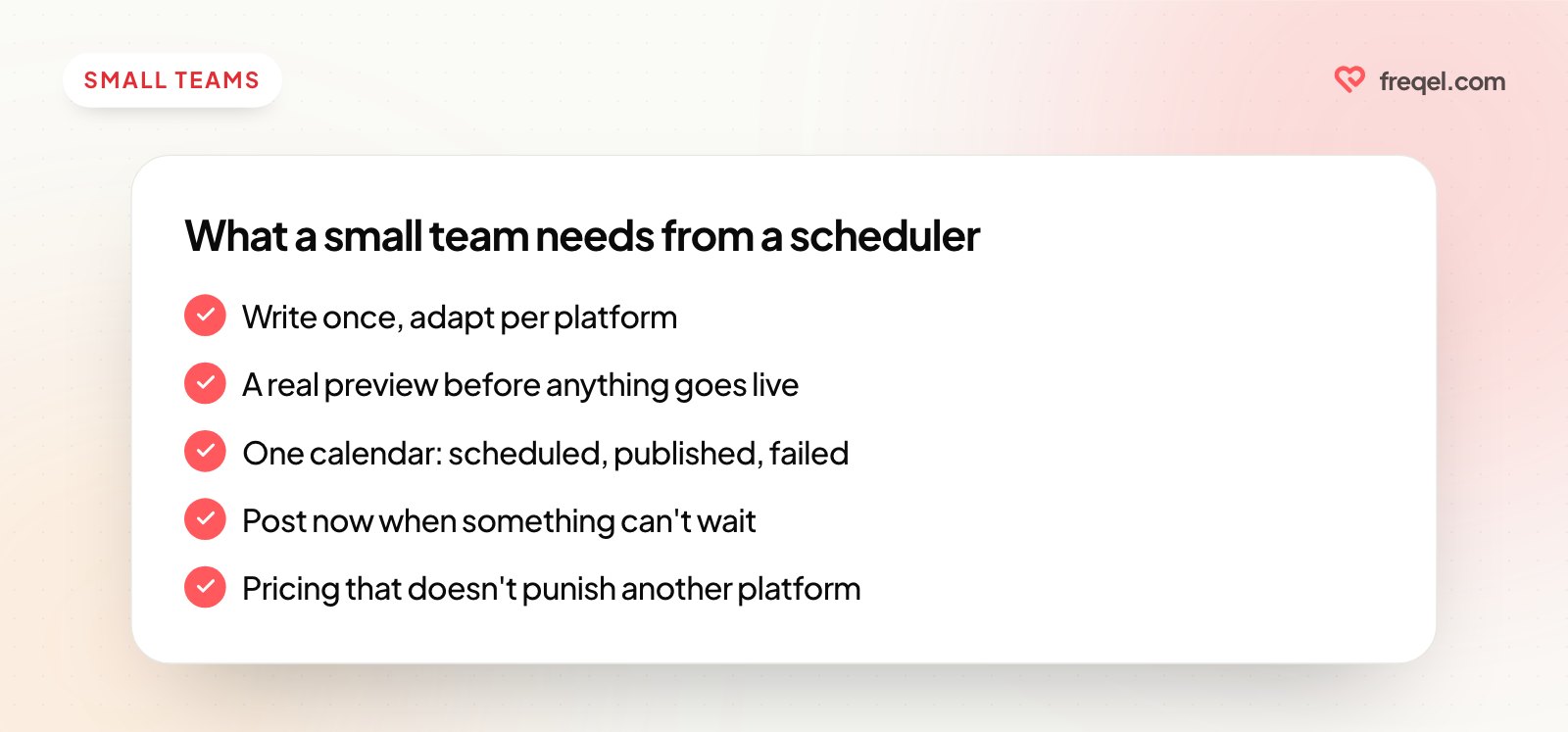
- Write once, adapt per platform — a caption that works on Instagram usually needs trimming for X and reworking for Threads.
- A preview so nobody finds out a post looks broken after it's already live.
- One calendar that shows what's scheduled, published and failed, without asking "wait, did that go out yet?"
- The option to post instantly when something's time-sensitive, not just scheduled days out.
- Predictable pricing that doesn't punish you for adding a platform or a teammate.
Notice what's missing: nobody on a five-person team is asking for a custom reporting suite. They're asking to stop copy-pasting the same caption into six tabs.
The copy-paste tax nobody accounts for
Manually posting to multiple platforms isn't just annoying. It's a hidden tax on your week. Every login, every re-upload of the same image, every "wait, which account am I in right now" moment adds up.
Time it for one week and you'll see it. There's a second, quieter cost too: consistency drops when posting is manual. Teams post reliably to their main platform and let the others slide, usually whichever one requires logging into a separate app. Bluesky and Threads are the usual casualties. More on Bluesky in what's different about posting to Bluesky.
Where a lean tool like Freqel fits, and where it doesn't
Freqel is built for the lean end of this. You write a post once, fine-tune the wording or swap the image for specific platforms if you need to, and schedule it everywhere from one screen. Pricing is flat per account rather than per seat: Free, then $19 a month for Pro and $49 for Business, with unlimited scheduled posts on the paid plans and a separate workspace per brand or client. It doesn't have team seats yet, so if everyone needs their own login, our Freqel vs Postiz comparison covers a tool that does.
In practice, a week looks like this:
- Draft the week's posts on Monday, once, in one place.
- Check each platform's version (preview and character count) before anything goes out.
- Tweak captions per platform where it matters: shorter for X, hashtags for Instagram, one topic tag for Threads.
- Schedule the batch, or post now if something's breaking news for your niche.
- Check the calendar mid-week instead of pinging teammates to ask what's queued.
Be honest about the trade-off, though: Freqel is one login per account today, with no per-person seats, roles or approval steps. If your team needs three people with their own logins and a sign-off chain, that's a real reason to look at a bigger tool. If one or two people do the posting, flat pricing is the better deal.
What to actually compare when you're pricing tools
Don't compare tools on feature-count. Compare them on cost-per-platform-per-person, because that's where enterprise pricing quietly punishes small teams. A few questions worth asking before you commit:
- Does adding a platform cost extra, or is it included?
- Can you add a seasonal freelancer for one month without a contract?
- Is there a real preview, or just a text box and a prayer?
- Do you need training to onboard a new team member, or can they post on day one?
- Do you actually need approvals and roles, or would a shared calendar do?
If the answer to any of those makes you wince, you're probably paying for enterprise scale you don't have. Optimize for the handful of platforms you really post to, not 15 platforms with a compliance team attached.
Starting small without boxing yourself in
The mistake a lot of small teams make is picking a tool that fits today and nothing else. You add a platform in six months, or bring on a second content person, and suddenly the pricing tier doubles.
Pick something that scales sideways, not just upward. That means: adding Bluesky or Threads shouldn't feel like a renegotiation, and adding a teammate shouldn't mean a sales call. If you're deciding which platforms to prioritize as you grow, read posting everywhere vs posting more often. And if consistency is your bigger pain point right now, see keeping a consistent posting cadence when you're busy.
Social media scheduling for small teams shouldn't require a five-figure annual contract to get the basics right. You need one place to post from, an honest preview of every platform, and pricing that doesn't punish you for growing. That's the idea behind Freqel: write once, post everywhere, and keep the bill something a small team can justify.
Try Freqel
Write once.
Post everywhere.
Schedule one post to Instagram, TikTok, YouTube, X, Threads, Facebook and Bluesky. 7 days free on every plan.