
You finish a new batch of mugs, photograph them, list them, and post "New in the shop! Link in bio 💛". Three likes, one of them from your aunt, and no sales. Next time you skip the post, because promoting your own work feels pushy anyway.
People don't follow makers for listings. They follow for the making, the person behind it and the small stories, and they buy when a product shows up in that context. This guide shows how to promote your Etsy shop on social media in a way that doesn't feel like selling: five kinds of posts, one new listing turned into a week, sample captions, and where your shop links actually work.
Why "new in the shop" posts fall flat
A post that's just a product photo and a link looks like an ad, and people scroll past ads. It also gives followers nothing to react to: no question to answer, no process to watch, no story.
Make the sale the last line of the post, not the whole post. Show how you made it, why you made it, or how it looks in someone's kitchen, and then mention it's in the shop. Most of your posts shouldn't ask for anything at all. They give people a reason to keep following until they're ready to buy.
Five kinds of posts that sell without selling
Rotate through these and you'll always know what to post next. The examples are for a small ceramics shop, but they work for jewelry, candles, prints, knitwear or anything handmade.
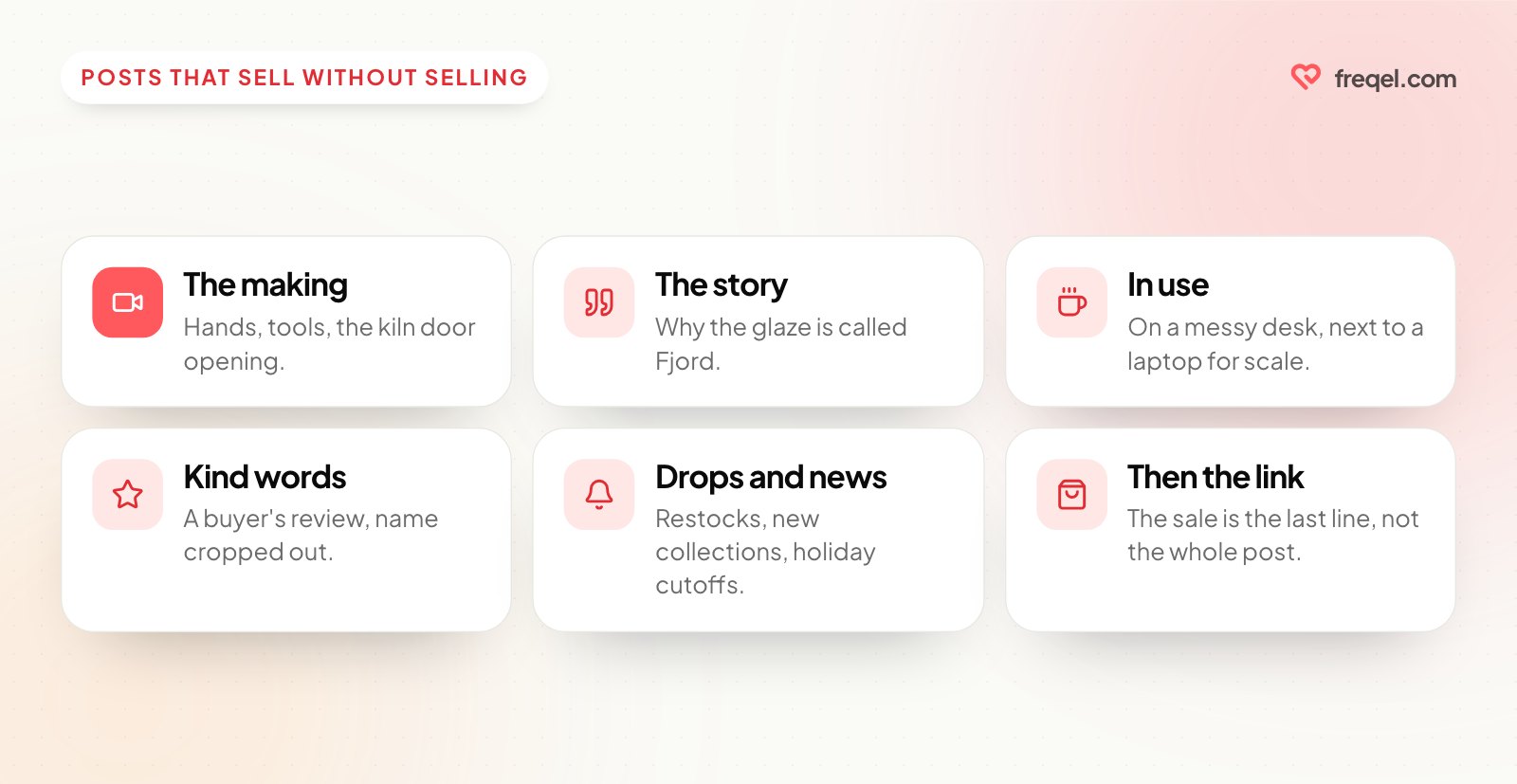
| Post type | Example for a ceramics shop | How it ends |
|---|---|---|
| The making | Throwing a mug on the wheel, sped up | "These go in the shop Friday" |
| The story | Why the glaze is called "Fjord" and where the color came from | "Fjord mugs are in the shop" |
| In use | A mug on a messy desk next to a laptop, for scale | "Holds a big latte, link in bio" |
| Kind words | A buyer's review, with their name cropped out | No ask at all |
| Drops and news | A restock date, a new collection, holiday shipping cutoffs | "Set a reminder" or "Shop now" |
The making is usually your strongest post type, because it's the one thing a mass-produced shop can't show. Hands, tools, mistakes and the kiln door opening are all content.
Turn one new listing into a week of posts
When you photograph a new item for Etsy, film a few extra seconds of the making and take two photos of it in use. That's enough for a week.
| Day | Post | Where |
|---|---|---|
| Monday | Short clip of the making: "something new this week" | Instagram Reels, TikTok, YouTube Shorts |
| Tuesday | The story behind the design | Instagram carousel, Threads, Bluesky |
| Wednesday | Launch: the listing photo plus the in-use photo, with the shop link | Facebook, Threads, Bluesky, Instagram Story |
| Thursday | A detail close-up: texture, glaze, stitching | Instagram, Threads |
| Saturday | "Packing your orders" clip, thanking the first buyers | Instagram Story, TikTok |
For a bigger collection, stretch the same pattern over two weeks with a countdown. Our two-week product launch plan shows it day by day.
Sample captions for each platform
Here's Wednesday's launch post, written for each place it goes.
The Fjord mugs are here 🌊 Each one is thrown by hand, so no two blues are quite the same.
They hold a generous latte and go in the dishwasher. Find them in the shop, link in bio.
New in the shop: the Fjord mugs, handmade in small batches. Each glaze turns out a little different. See them here: [your Etsy listing link]
Threads or Bluesky
Opened the kiln this morning and the Fjord mugs came out better than the test batch. They're in the shop now: [your Etsy listing link]
TikTok or Reels
The clip of the kiln opening, with on-screen text: "Opening the kiln on the new glaze". Mention the shop in the caption, and point people to the link in your profile.
Each version says the same thing the way that platform expects, which is the opposite of cross-posted content that looks lazy.
Where your shop links work
Every platform handles links differently, so it's worth knowing where a link in your post is clickable and where people have to go through your profile.
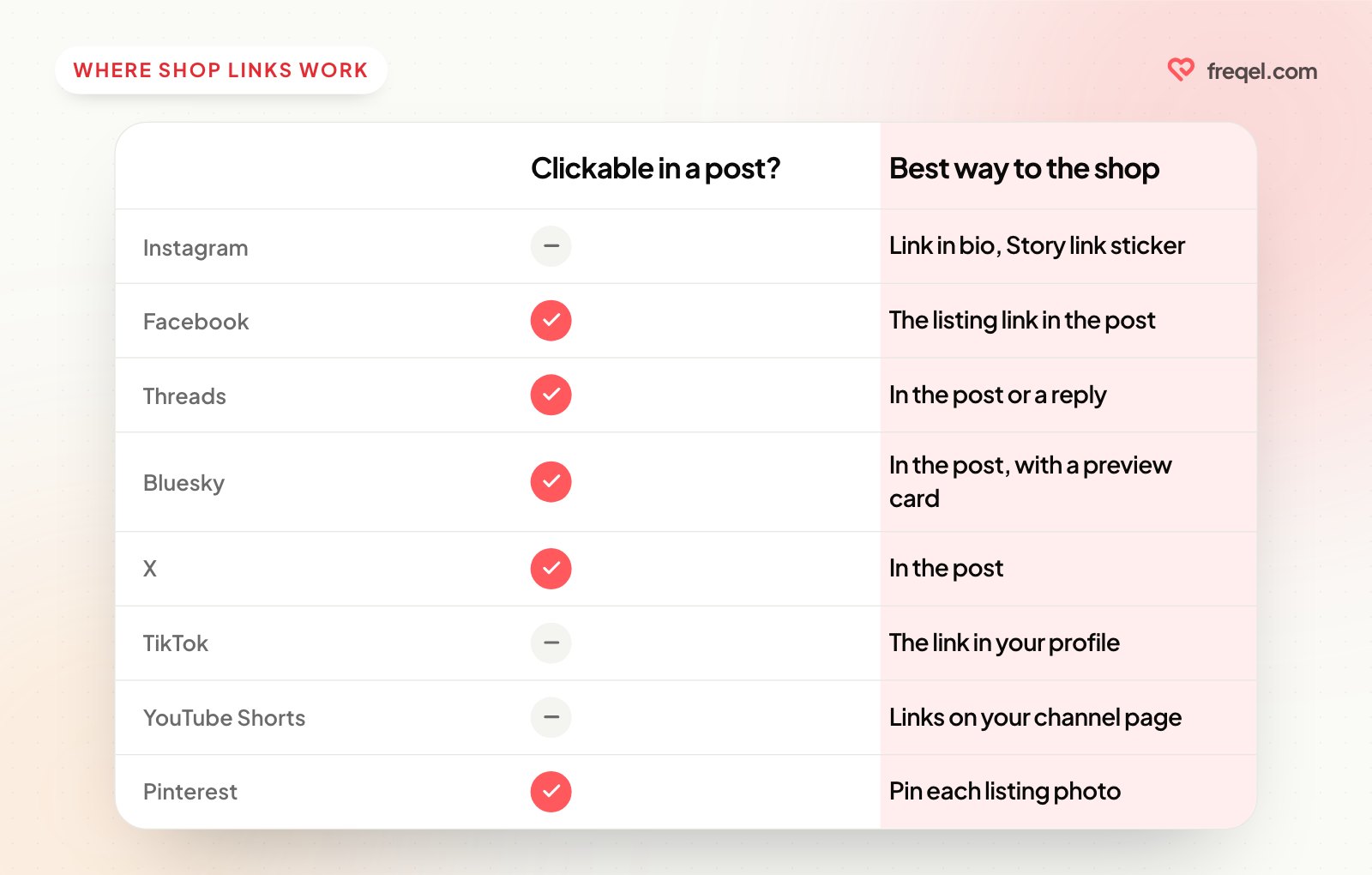
| Platform | Clickable link in a post? | Best way to send people to your shop |
|---|---|---|
| No | Link in bio, and the link sticker in Stories | |
| Yes | Put the listing link right in the post | |
| Threads | Yes | Link in the post, or in a reply under it |
| Bluesky | Yes | Link in the post; it shows a preview card |
| X | Yes | Link in the post |
| TikTok | Not in captions | The link in your profile, if your account has one |
| YouTube Shorts | No | The links on your channel page |
| Yes, a pin links to the listing | Pin each listing photo |
Point the link in your bio at your shop's home page, or at one shop section during a launch, and change it back afterwards.
Pinterest is worth your time if you sell on Etsy, because each pin links straight to a listing and people go there looking for things to buy. Freqel doesn't post to Pinterest, so if it's one of your channels, schedule your pins in Pinterest itself.
Etsy has also offered a program called Share & Save, which gives sellers a credit on their Etsy fees when buyers arrive through the seller's own shareable links. Check the Seller Handbook to see whether it's running, its current terms and which places count. If it is, use those links in your bio and posts.
Plan around drops and seasons
Handmade shops have natural moments worth planning for: restocks, new collections, markets and fairs, and the holiday rush. A few habits help:
- Announce restocks ahead. "Mugs restock Friday at 6 p.m." gives people a reason to come back, and you get a second post when they're live.
- Post your holiday cutoff dates early, and repeat them. Base them on your carriers' own deadlines for each place you ship to.
- Turn a market day into posts. A photo of your stall, the setup sped up, and a "thank you for coming" post afterwards.
- Say when something sells out. "The last Fjord mug just went" is honest urgency, and a reason to follow for the next batch.
For the busy season, the holiday social media calendar for 2026 has the key dates and a week-by-week plan.
A few rules worth knowing
- Only post what's yours to sell. Designs using other people's characters, logos or brand names can break intellectual property rules on Etsy and on social platforms.
- Show the real thing. Edit for light, not color. A mug that arrives a different blue from the photo means returns and unhappy reviews.
- Ask before reposting. A buyer's photo is theirs. Ask first, and leave their name out if they'd rather.
- Disclose partnerships. If you send free products to creators to post about you, they need to say so clearly.
- Check giveaway rules. Each platform has its own rules for promotions, and your country may have laws on prize draws.
Schedule it on a quiet day
Making is the job, so posting shouldn't take over your evenings. Pick one quiet morning a week, write the week's posts, and schedule them. Our guide to batching a week of content in one sitting walks through it.
A tool like Freqel lets you write each post once, pick your channels, and give each one its own version: the listing link in the post for Facebook, Threads and Bluesky, "link in bio" for Instagram. Save post ideas to the ideas board as they come to you at the wheel, set regular posting times, and "Add to queue" fills the week. Freqel is free while your accounts have fewer than 5,000 followers combined; posting to X needs a paid plan. Here are the plans.
Wrap-up
To promote your Etsy shop on social media without sounding salesy, post about the making, the story and the product in use, and let the shop link come last. Turn each new listing into a week of posts, put links where they're clickable, plan around restocks and holidays, and schedule it all on one quiet morning. The sales come from people who've watched you make things for weeks.
Try Freqel
Write once.
Post everywhere.
Schedule one post to Instagram, TikTok, YouTube, X, Threads, Facebook and Bluesky. 7 days free on every plan.